
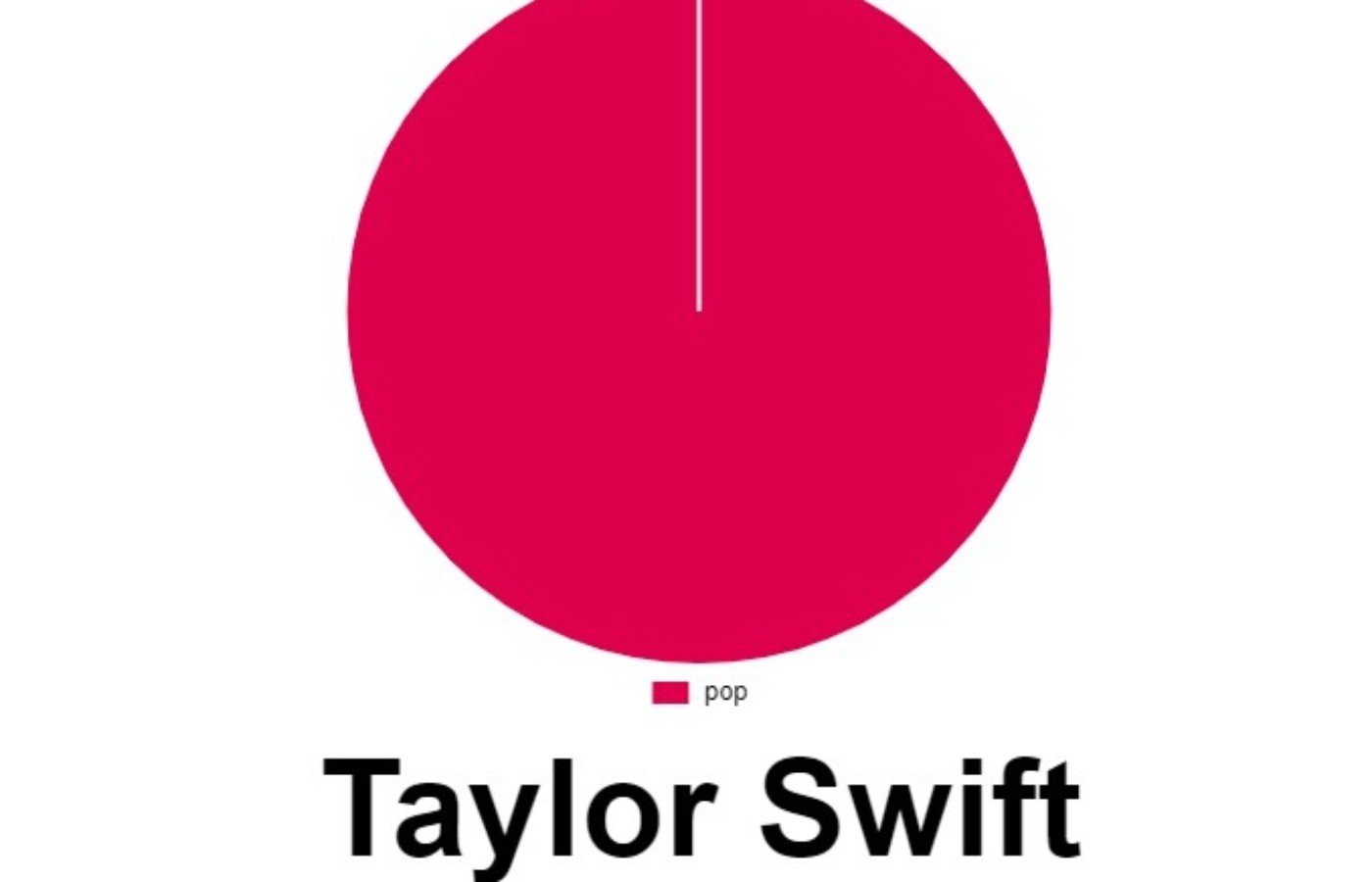
Have you ever wondered what your music taste actually looks like? Not just a playlist. Not just a list of top artists. But a colorful, eye-catching breakdown of your listening habits — right down to your favorite genres?
That’s exactly what Spotify Pie delivers.
In a world where music streaming dominates how we discover and enjoy songs, tools like Spotify Pie turn your listening data into something fun, visual, and shareable. Whether you’re obsessed with indie rock, deep into K-pop, or secretly looping 2000s pop hits, your Spotify Pie chart reveals it all in one neat circle.
In this guide, I’ll walk you through everything you need to know about Spotify Pie — how it works, how to create your own music chart today, why it went viral, and how you can use it to better understand your listening habits.
Let’s dive in.
What Is Spotify Pie?
Spotify Pie is a free, web-based tool that analyzes your Spotify listening history and turns it into a colorful pie chart. Each slice represents a music genre you’ve listened to, based on your streaming data.
Unlike Spotify Wrapped, which only appears once a year, Spotify Pie can be generated anytime. That means you don’t have to wait until December to see what you’ve been vibing to.
Here’s what Spotify Pie typically shows:
-
Your top music genres
-
Your most streamed artists
-
A visual percentage breakdown of your listening patterns
-
A dynamic, shareable graphic
It’s simple. It’s visual. And it’s surprisingly addictive.
Why Spotify Pie Became So Popular
Music charts aren’t new. Spotify Wrapped has been dominating social media for years. However, Spotify Pie took things in a slightly different direction.
Here’s why it caught fire:
1. Instant Results
You don’t have to wait for an annual summary. Spotify Pie works year-round.
2. Genre-Focused Breakdown
While Spotify Wrapped highlights songs and artists, Spotify Pie focuses heavily on genre distribution. That means you see how much of your listening is alternative rock, hip-hop, EDM, jazz, classical, and more.
3. Social Media Friendly
The pie chart format is clean and colorful. It’s perfect for Instagram stories, TikTok posts, Twitter threads, and even Discord servers.
4. Curiosity Factor
Let’s be honest. We all think we know our music taste. But when you see that 37% of your listening is “dream pop” or “melodic metalcore,” it can be eye-opening.
How Does Spotify Pie Work?
Spotify Pie connects to your Spotify account through secure authorization. Once you log in, it analyzes your streaming history using Spotify’s API (Application Programming Interface).
Here’s what happens behind the scenes:
-
The tool reads your recent listening activity.
-
It categorizes artists into genres.
-
It calculates percentages based on listening frequency.
-
It generates a pie chart visualization.
Importantly, Spotify Pie does not create playlists, modify your account, or post anything without permission. It simply reads data and turns it into a visual summary.
Is Spotify Pie Safe to Use?
This is one of the most common questions.
Spotify Pie uses Spotify’s official login authorization system. That means you’re granting permission the same way you would for other third-party apps that access your Spotify data.
However, as with any app:
-
Review the permissions requested.
-
Avoid sharing your login details directly.
-
Remove access later if you no longer want it connected.
To revoke access, simply go to your Spotify account settings and remove the app from authorized applications.
It’s always good practice to stay aware of digital privacy — even with fun tools like Spotify Pie.
How to Create Your Spotify Pie Chart (Step-by-Step)
Creating your Spotify Pie takes less than five minutes. Here’s exactly how to do it.
Step 1: Visit the Spotify Pie Website
Search for Spotify Pie in your browser. Make sure you’re on the correct site.
Step 2: Log In with Spotify
Click the “Login with Spotify” button. You’ll be redirected to Spotify’s official authorization page.
Step 3: Grant Permission
Approve access so Spotify Pie can read your listening data.
Step 4: Generate Your Chart
Within seconds, your personalized Spotify Pie chart appears on screen.
Step 5: Screenshot and Share
There’s no built-in share button in most versions, so simply take a screenshot and post it wherever you like.
That’s it.
What Your Spotify Pie Chart Reveals
Your Spotify Pie isn’t just colorful — it’s surprisingly insightful.
Here’s what you’ll learn:
Genre Distribution
You might think you’re a rock fan. But your chart might show:
-
40% indie pop
-
25% alternative rock
-
15% lo-fi beats
-
10% hip-hop
-
10% R&B
Seeing it visually helps you understand your true listening patterns.
Top Artists
Spotify Pie also lists your most-streamed artists in order.
You may see names like:
-
Taylor Swift
-
Drake
-
BTS
-
The Weeknd
It all depends on your habits.
Hidden Listening Trends
Maybe you’ve been diving into niche genres like:
-
Synthwave
-
Bedroom pop
-
Progressive house
-
Neo-soul
-
Trap metal
-
Folk punk
Spotify Pie can reveal patterns you didn’t even realize were there.
Spotify Pie vs Spotify Wrapped
Let’s compare the two.
| Feature | Spotify Pie | Spotify Wrapped |
|---|---|---|
| Available Year-Round | Yes | No |
| Focus on Genres | Strong | Moderate |
| Shareable Graphics | Yes | Yes |
| Official Spotify Tool | No | Yes |
| Deep Listening Stats | Basic | Advanced |
Spotify Wrapped offers more detailed metrics, including minutes listened, top songs, and audio aura. However, Spotify Pie wins when it comes to instant gratification and genre-focused visuals.
Many users actually use both.
Why Music Data Visualization Matters
Data visualization makes complex information easier to understand. Instead of scrolling through numbers, you see patterns instantly.
For music lovers, that means:
-
Better playlist curation
-
Improved music discovery
-
Understanding listening behavior
-
Tracking genre shifts over time
In addition, visual charts tap into identity. Your Spotify Pie becomes part of your personal brand online. It’s a snapshot of who you are — at least musically.
Tips to Improve Your Spotify Pie Results
If you want a more accurate or interesting Spotify Pie chart, consider the following:
1. Explore New Genres
Listen to different artists outside your usual rotation.
2. Use Discover Weekly
Spotify’s algorithm recommends new tracks based on your listening habits.
3. Create Themed Playlists
Focus on specific moods or genres to diversify your data.
4. Avoid Looping One Song
Streaming one track repeatedly can skew your percentages.
Over time, your Spotify Pie will evolve as your music taste changes.
Can Spotify Pie Help You Discover New Music?
Indirectly, yes.
When you see a dominant genre in your Spotify Pie, you can explore deeper into that category. For example:
If 50% of your listening is indie rock, try:
-
Exploring similar artists
-
Following curated playlists
-
Checking live concert lineups
-
Searching for emerging bands
Music analytics can become a discovery tool.
Common Issues and How to Fix Them
Sometimes Spotify Pie may not work immediately. Here are common problems:
Chart Not Loading
Refresh the page or log out and back in.
Incorrect Data
Your listening history may need time to update.
Authorization Errors
Revoke access in Spotify settings and reconnect.
Most issues are temporary and easy to fix.
Is Spotify Pie Free?
Yes, Spotify Pie is completely free to use. You don’t need Spotify Premium. Even free-tier Spotify users can generate their Spotify Pie chart.
However, remember that streaming activity affects results. If you don’t listen often, your chart may be limited.
The Psychology Behind Music Charts
There’s something deeply satisfying about categorizing taste.
Psychologists suggest that music preference is tied to:
-
Personality traits
-
Emotional states
-
Cultural background
-
Social identity
When you share your Spotify Pie, you’re sharing more than genres. You’re sharing a piece of yourself.
Moreover, comparing charts with friends sparks conversation. “You listen to 60% hyperpop?” Suddenly, you’re discussing artists and swapping recommendations.
Spotify Pie for Content Creators
If you’re a content creator, influencer, or blogger, Spotify Pie can be powerful.
Here’s how:
-
Use it in Instagram stories
-
Create TikTok reactions to your results
-
Embed screenshots in blog posts
-
Compare charts monthly
-
Create YouTube breakdown videos
It adds personality and relatability to your content.
Frequently Asked Questions About Spotify Pie
Does Spotify Pie show exact listening time?
No. It focuses on genre percentages and top artists rather than detailed minutes.
Can I customize the colors?
Not usually. The chart is auto-generated.
Does it store my data?
Spotify Pie reads your data but does not permanently store personal information, depending on the version used.
How often should I check Spotify Pie?
You can check anytime. Many users generate a new Spotify Pie every few months to see changes.
The Future of Spotify Pie and Music Analytics
Music streaming is becoming more data-driven every year. As artificial intelligence and algorithms improve, we’ll likely see more tools like Spotify Pie.
Imagine future features such as:
-
Mood-based pie charts
-
Decade breakdowns
-
Listening heat maps
-
Genre evolution timelines
-
Artist comparison graphs
Spotify Pie is just the beginning of interactive music analytics.
Why You Should Try Spotify Pie Today
Still on the fence?
Here’s why you should generate your Spotify Pie right now:
-
It takes less than five minutes
-
It’s free
-
It’s fun
-
It’s insightful
-
It’s shareable
Most importantly, it reconnects you with your music habits in a visual, engaging way.
Sometimes, seeing your taste mapped out reminds you why you fell in love with music in the first place.
Final Thoughts: Create Your Spotify Pie and Share Your Sound
At its core, Spotify Pie is more than just a pie chart. It’s a reflection of your streaming history, your moods, your late-night playlists, and your weekend road trip anthems.
In a digital world overflowing with data, Spotify Pie makes your listening habits simple and beautiful. It transforms numbers into color. It turns genres into identity.